Project Overview
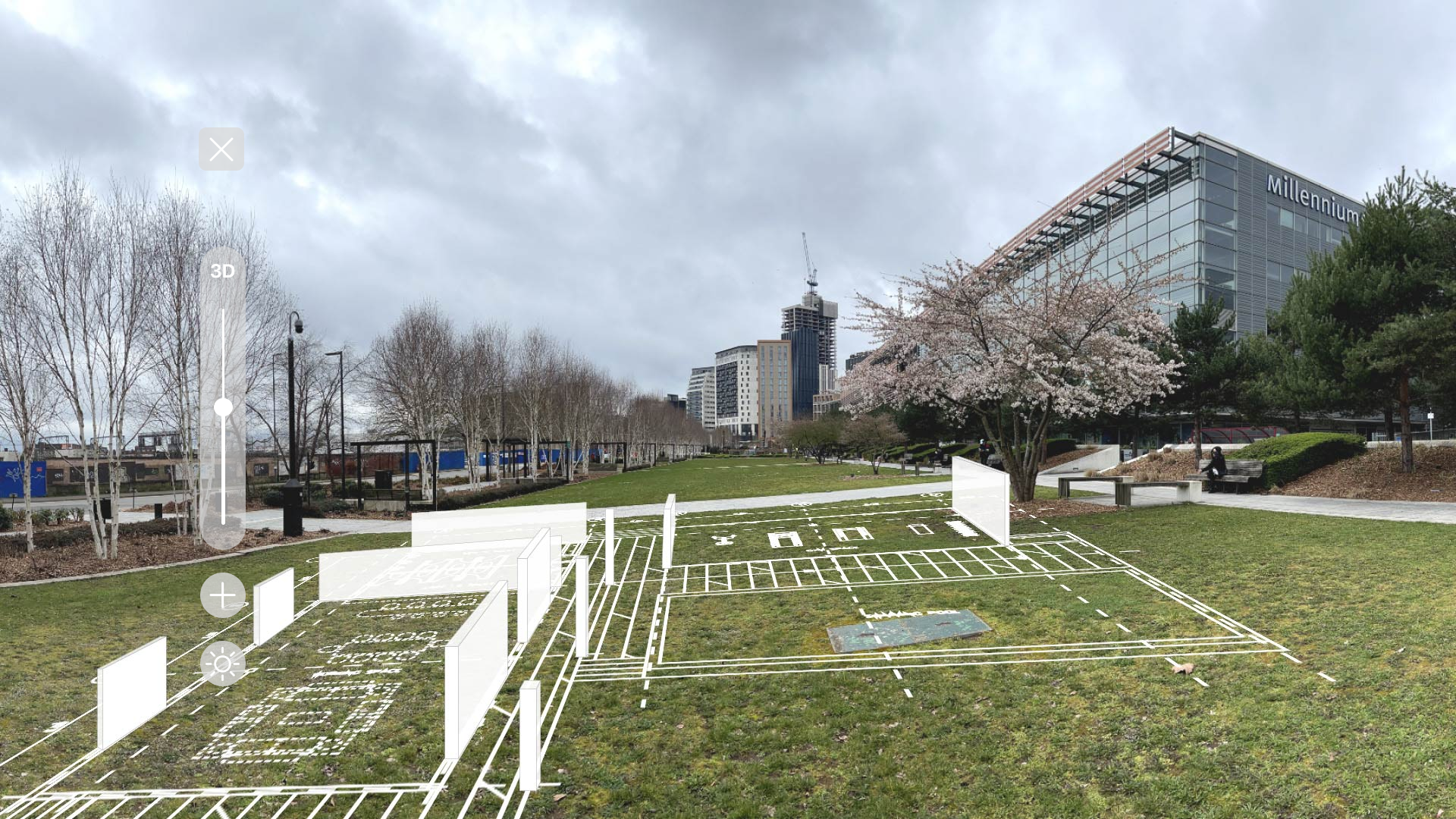
The project ARea, is an application that utilizes the power of augmented reality to bring architectural plans to life. This app enables architects to create 3D models of their designs, making it easier to communicate the vision of the architects with stakeholders and clients.
Category
Mobile design
Head Mounted Display
Timeline
Jan 2023 - May 2023
Project Type
Group Project (4 members: Architect, Engineer, Product Designer, Graphic Designer)
My Role
UX Design
UI Design
Rationale
The rationale behind the ARea project is to utilize augmented reality (AR) technology to revolutionize architectural visualization. Conveying architectural plans and concepts to stakeholders and clients has often been a challenge due to the reliance on 2D drawings and static images.
View the prototype ->
Design Process
Used the Design thinking approach, which prioritizes exploration, iteration, and user-centered design, enabling the creation of innovative and effective solutions.
1. Discover
Used the Design thinking process approach for solving this problem. To practice design thinking I followed the below process:
Qualitative Research
User surveys and interviews were conducted to identify the problem statement and understand our users better. We received around 12 responses, and the key insights are as follows:
  • The survey confirms that architects struggle to explain their projects to clients.
  • Many architects believe that utilizing AR technology for explaining designs would significantly improve user understanding.
2. Define
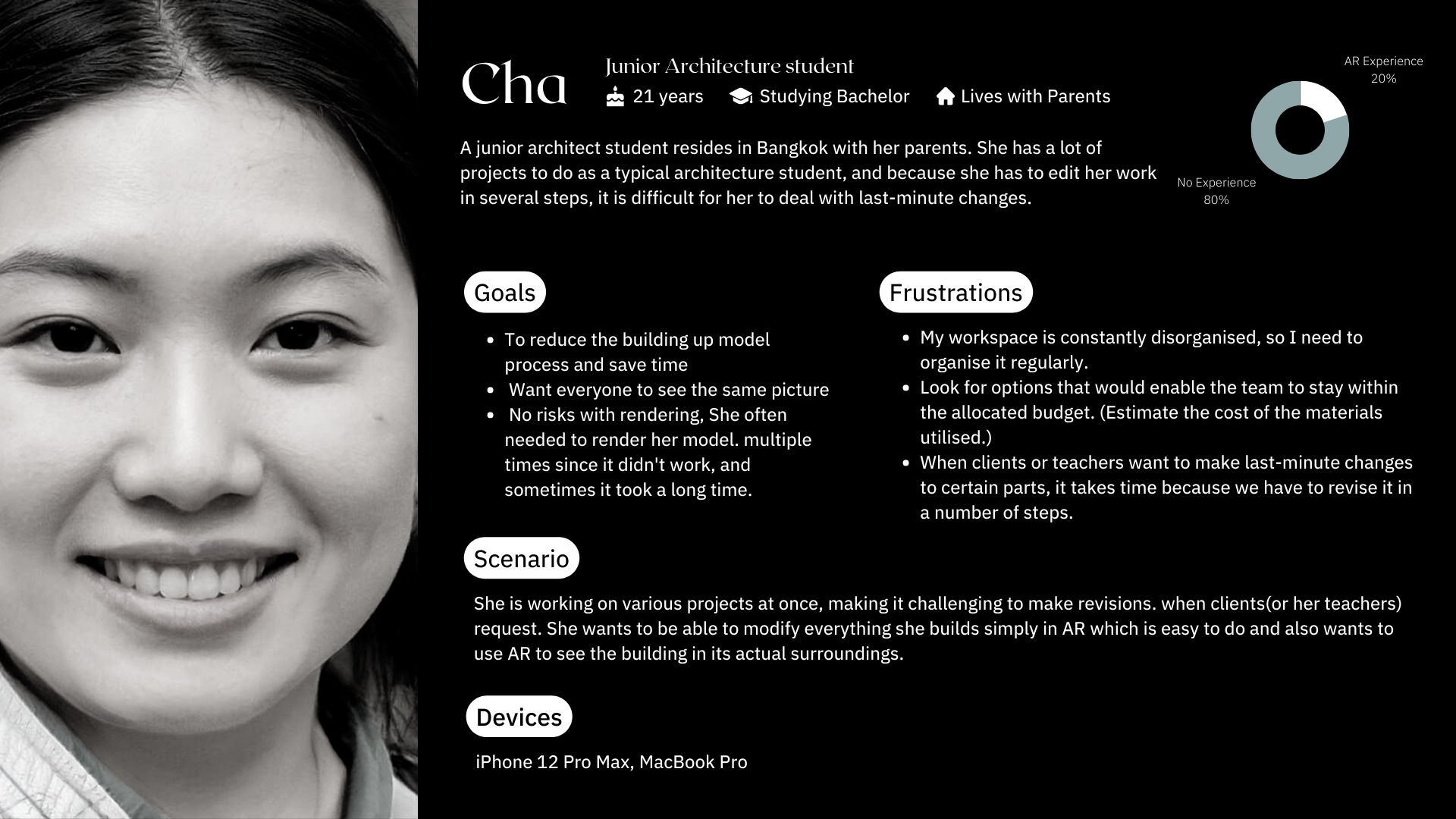
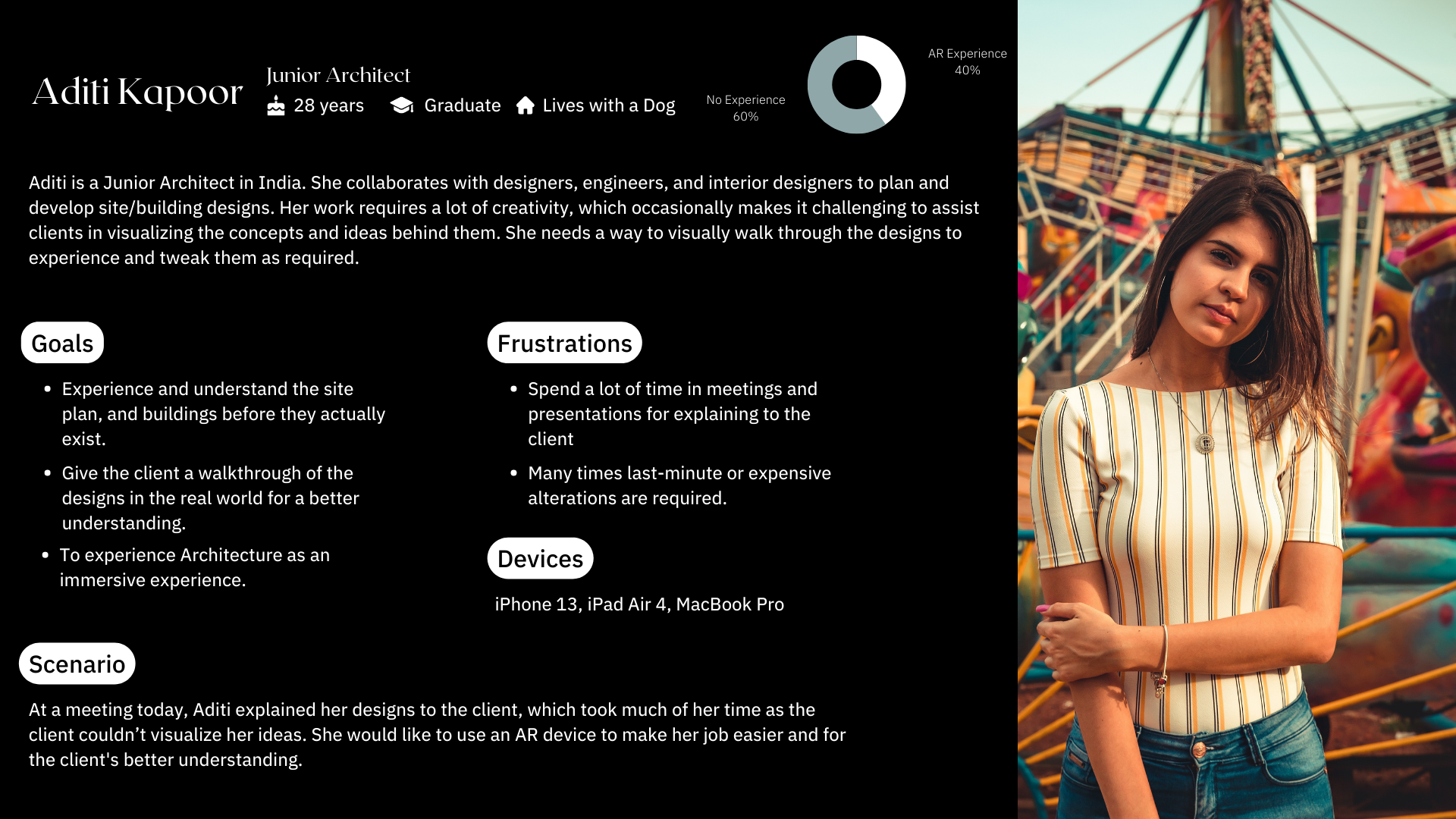
Created user personas and user journey map to understand more about the user's pain points.
3. Ideation
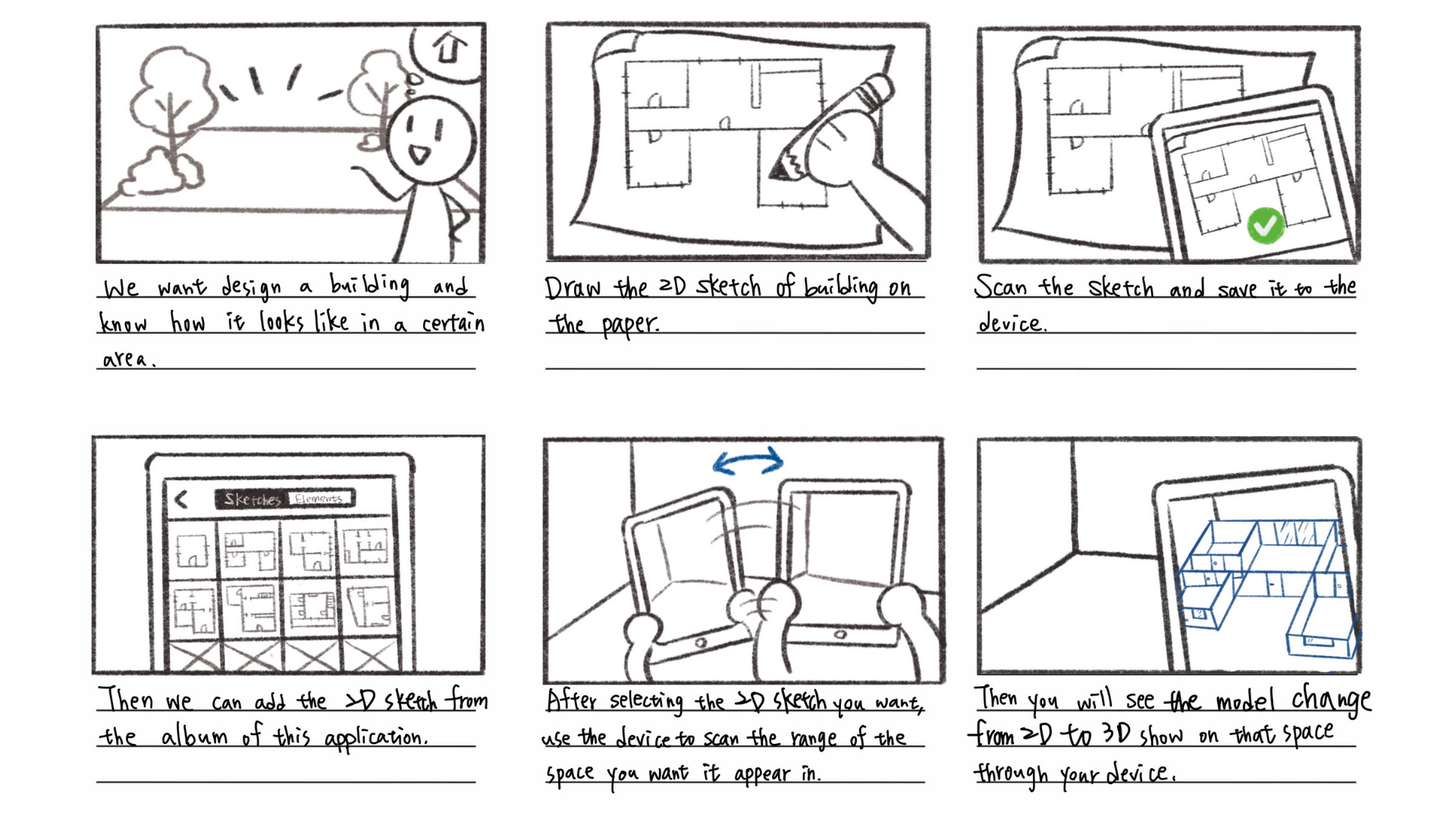
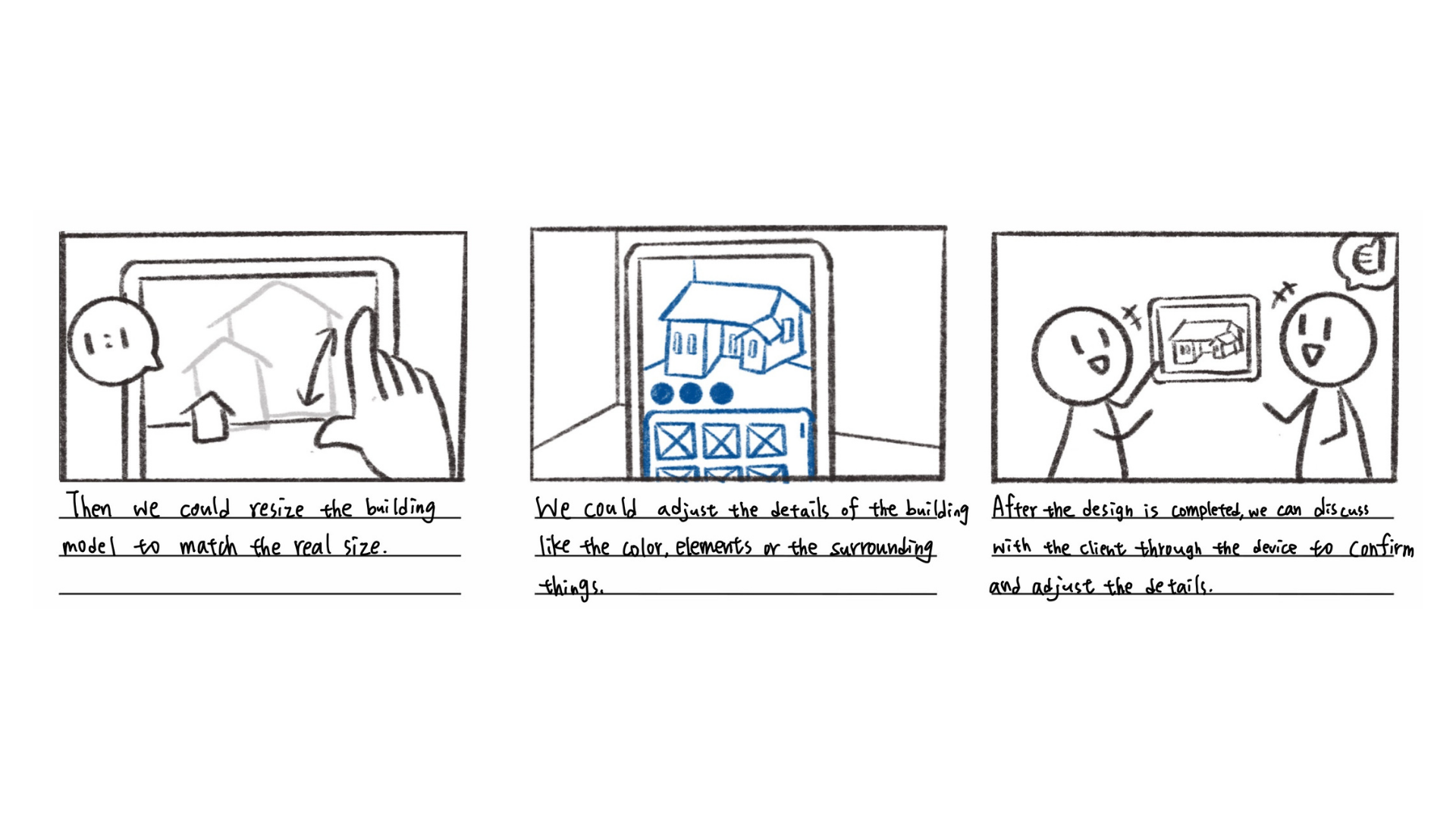
By employing the storyboarding technique, we mapped out the application's flow.
4. Design
Followed the below steps in the design phase:
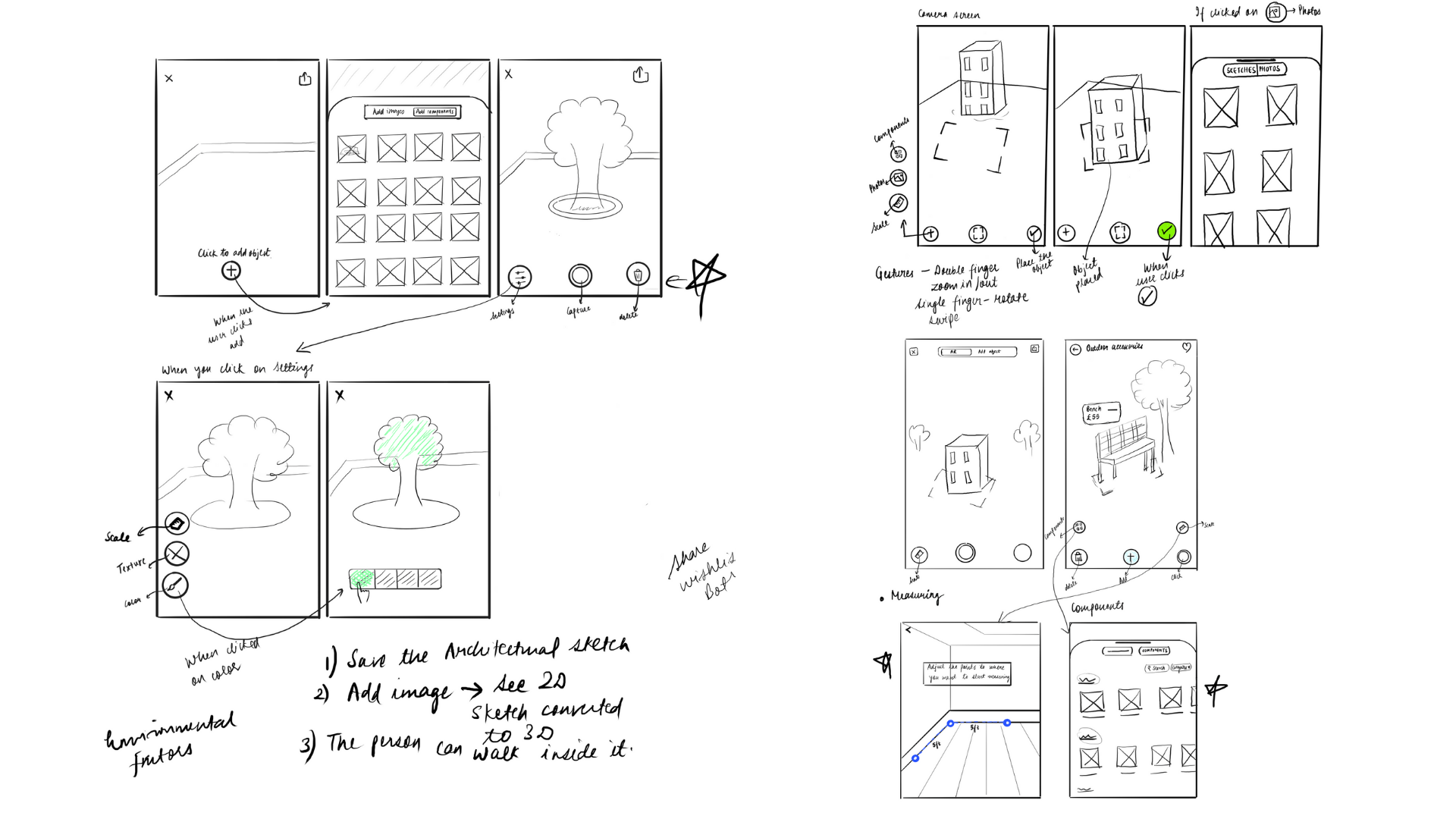
1. Paper Sketches
2. Low-fidelity wireframes
3. High fidelity prototype
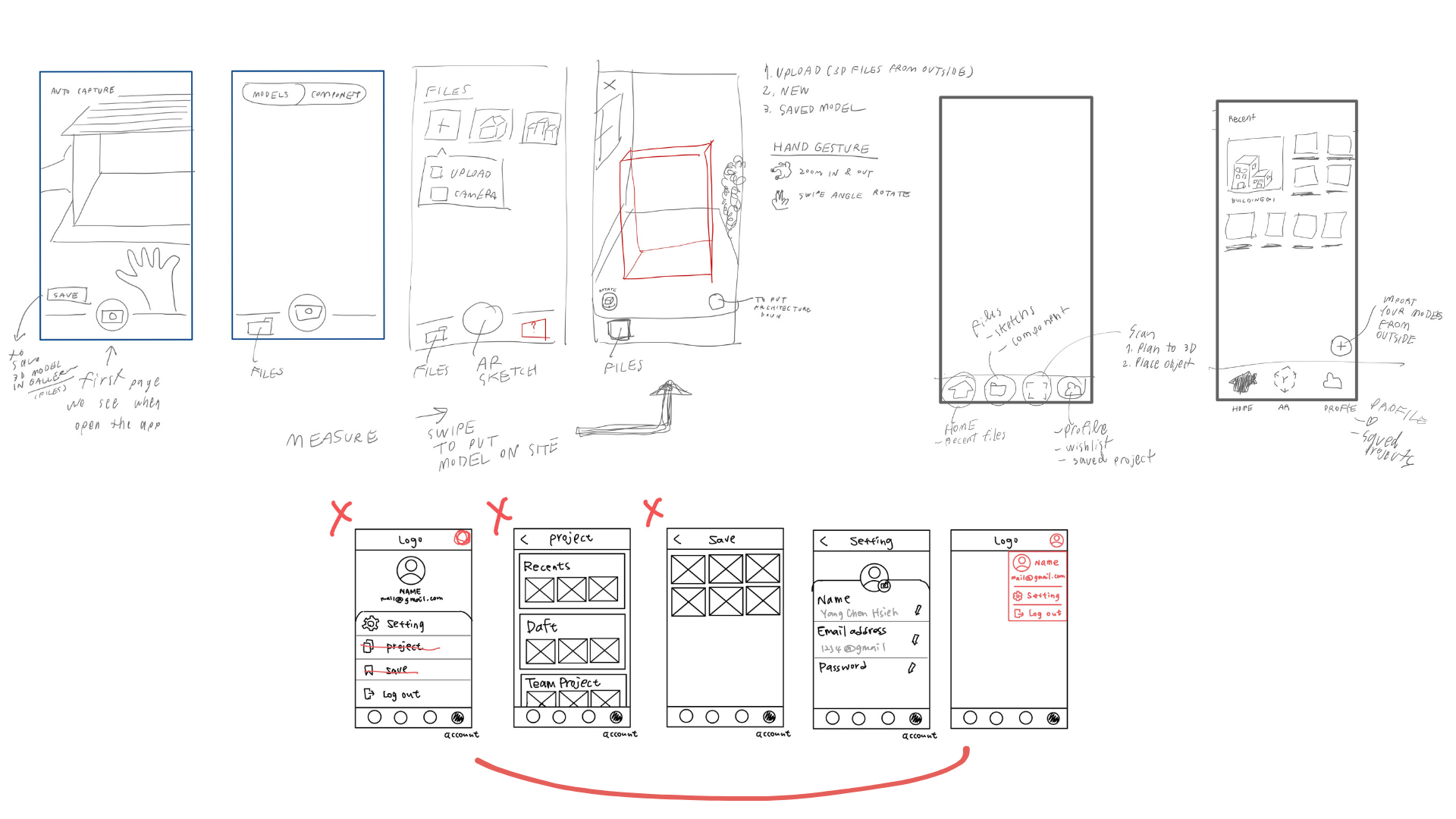
Paper sketches
Created low-fidelity sketches to explore various design concepts and visualize the interface of the application.
High Fidelity Prototype
i. Mobile
Elevated the initial low-fidelity sketches into high-fidelity prototypes, effectively capturing intricate visual elements and accurately depicting the application's interface.
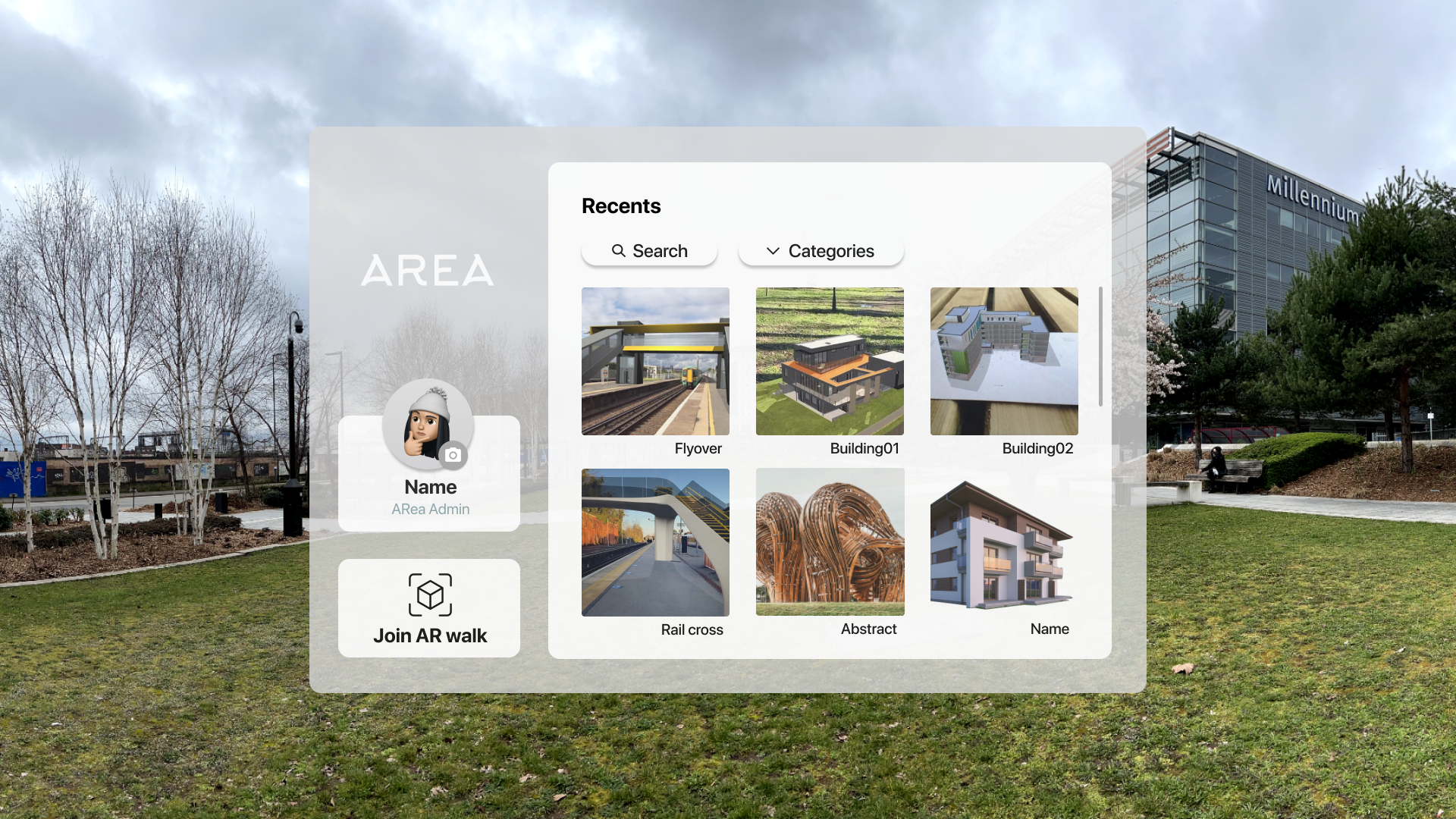
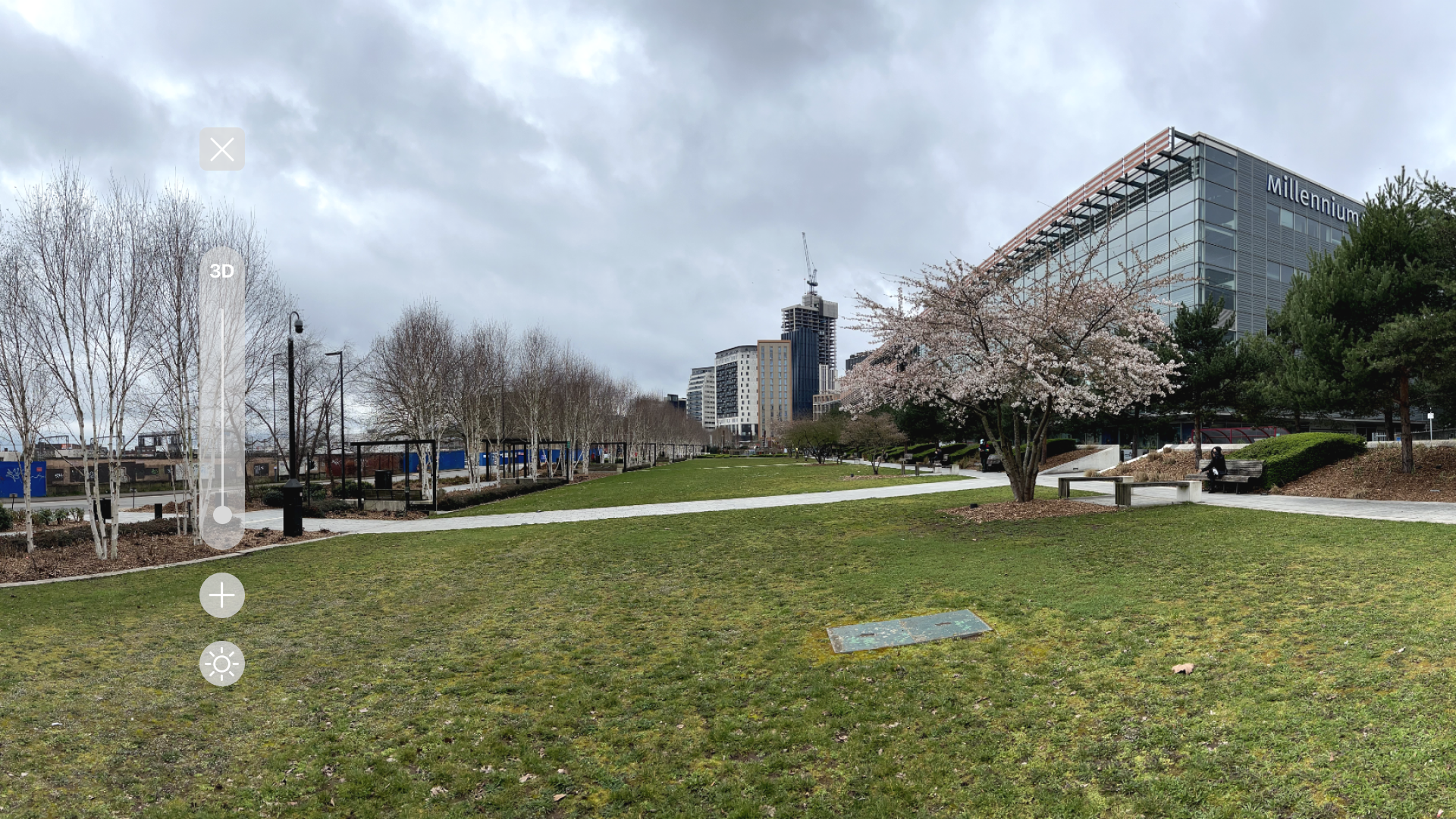
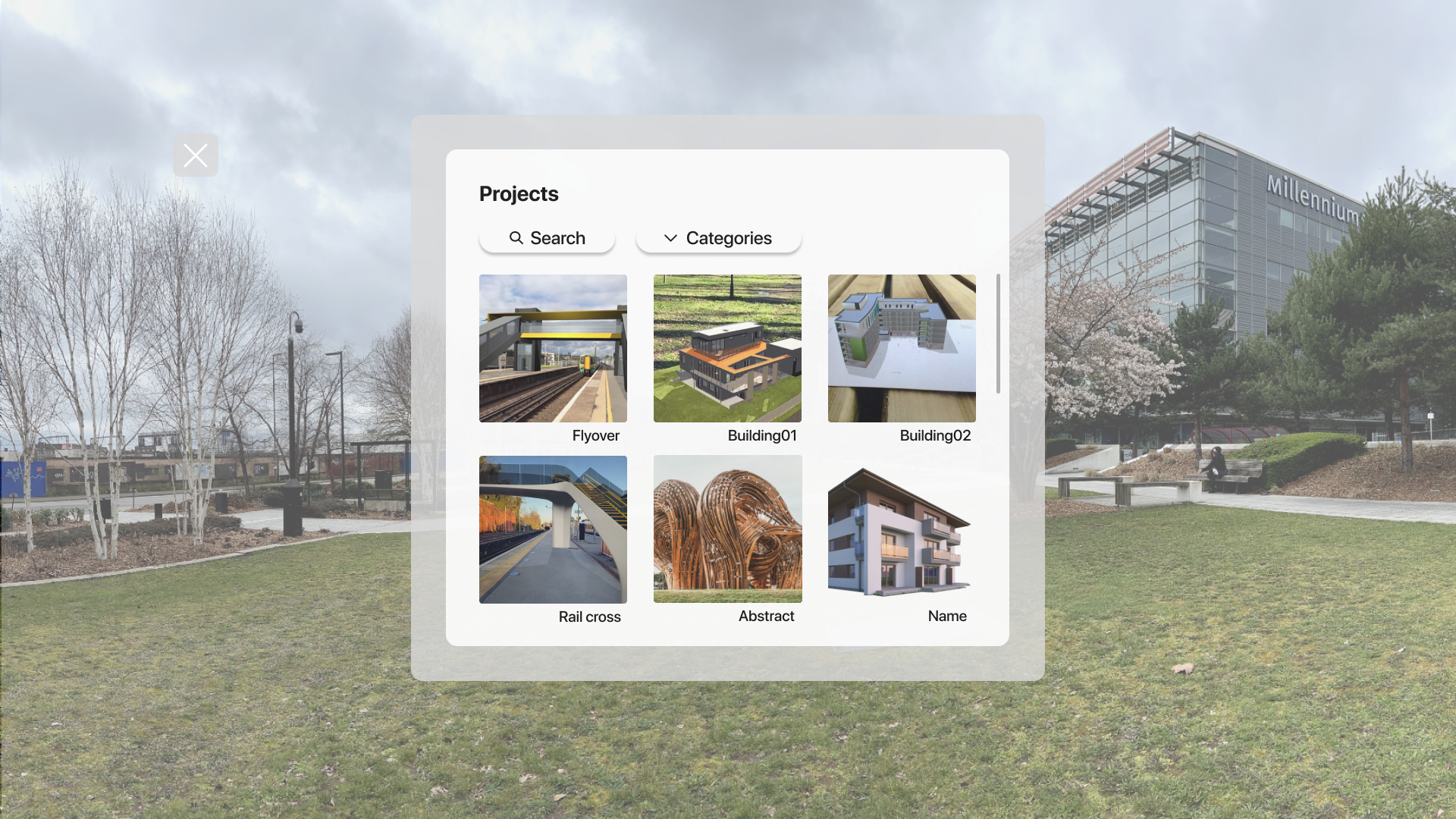
ii. Head Mounted Display
Additionally, designed low-fidelity sketches and high-fidelity prototypes for the Head Mounted Display (HMD) component.

AR Walkthrough

With the utilization of the Head Mounted Display (HMD), users can experience an augmented reality (AR) walkthrough, as showcased in the accompanying video:
Interaction Design
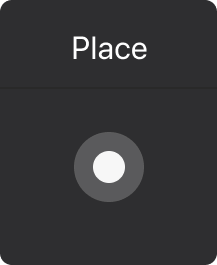
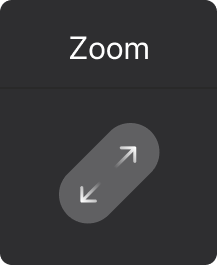
Explored and incorporated various gesture interactions suitable for mobile augmented reality (AR) experiences.
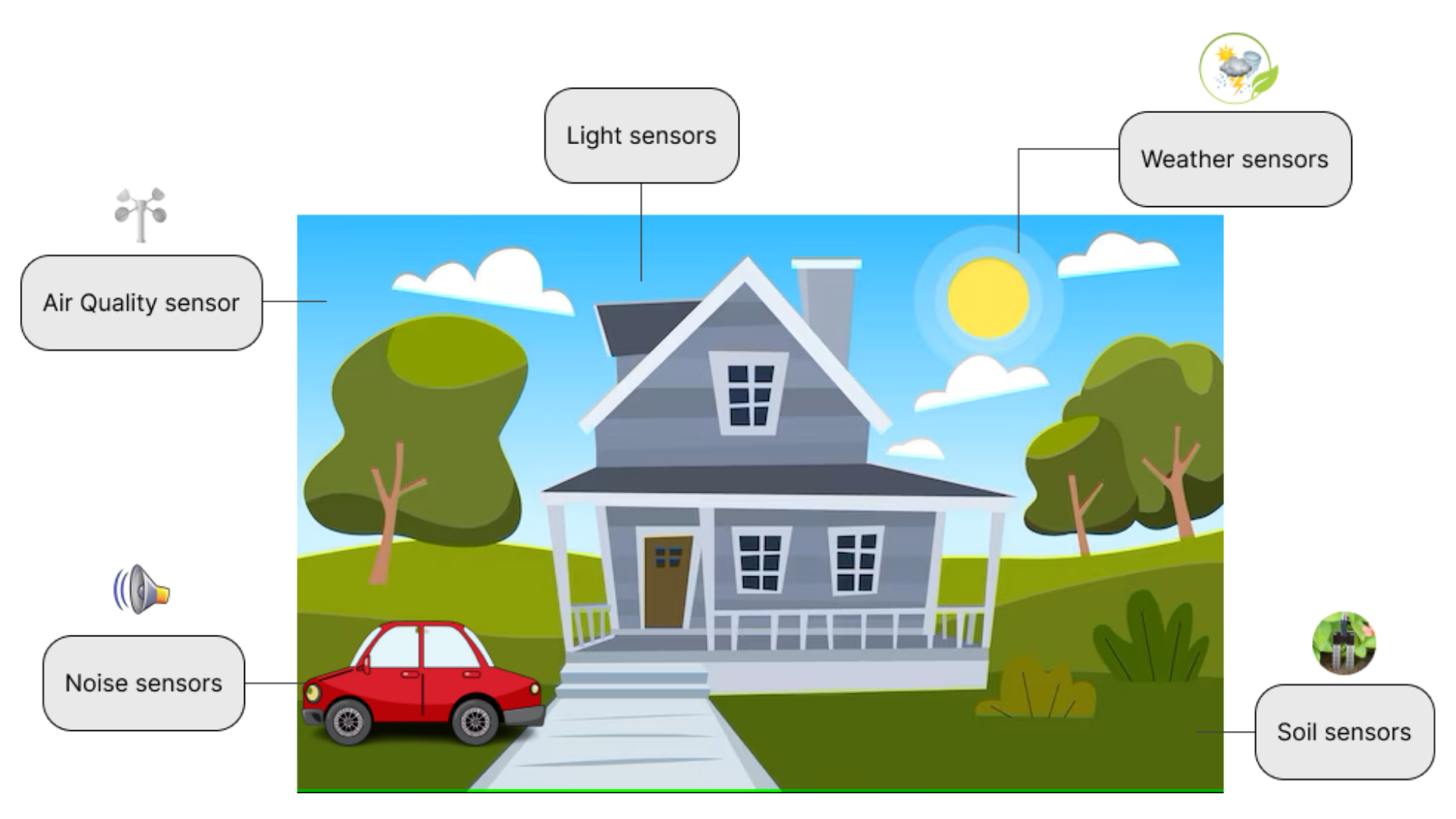
IOT Devices
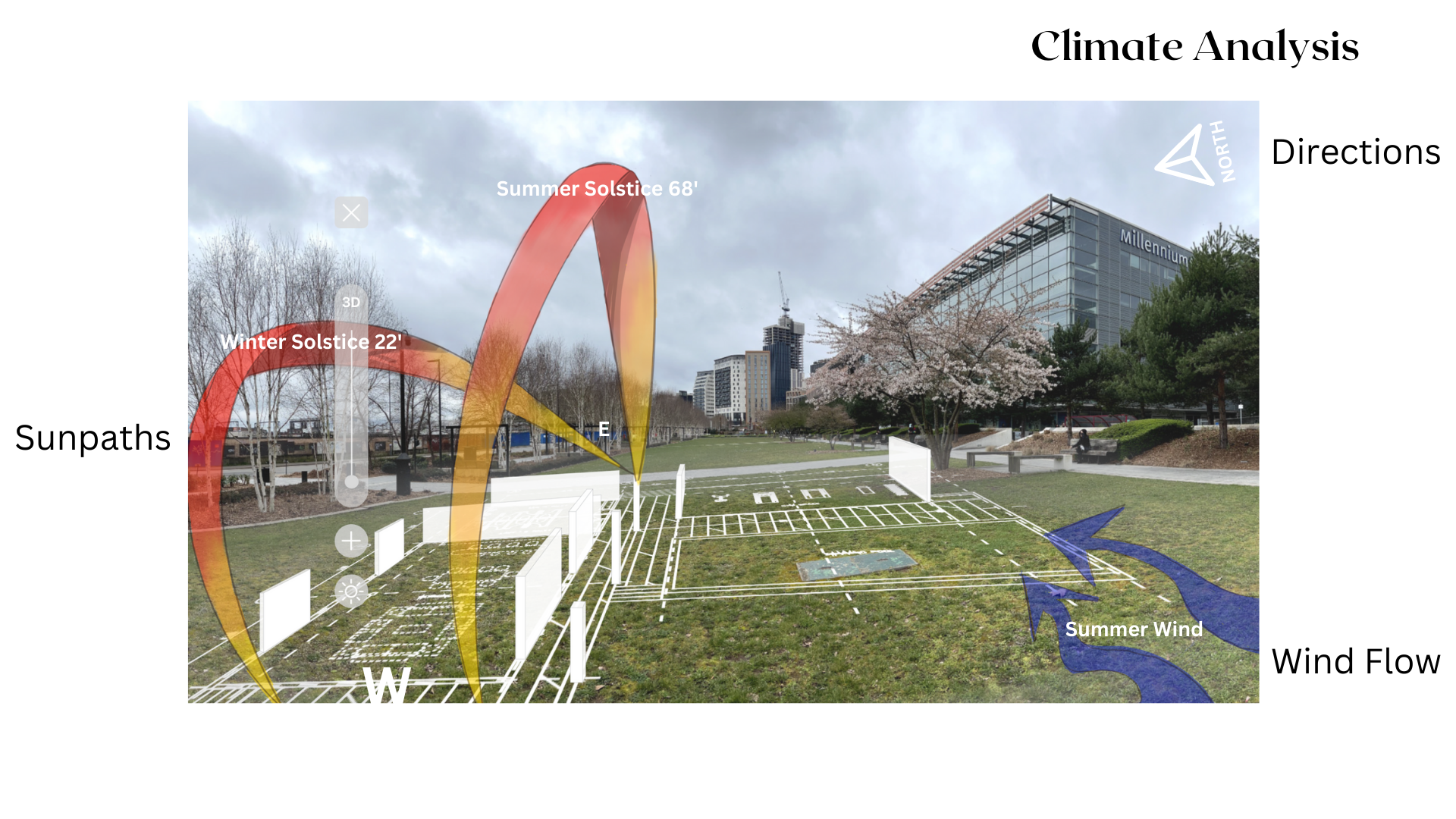
Explored diverse environmental sensors that could be integrated into the project for enhanced functionality and data acquisition.
5. Test
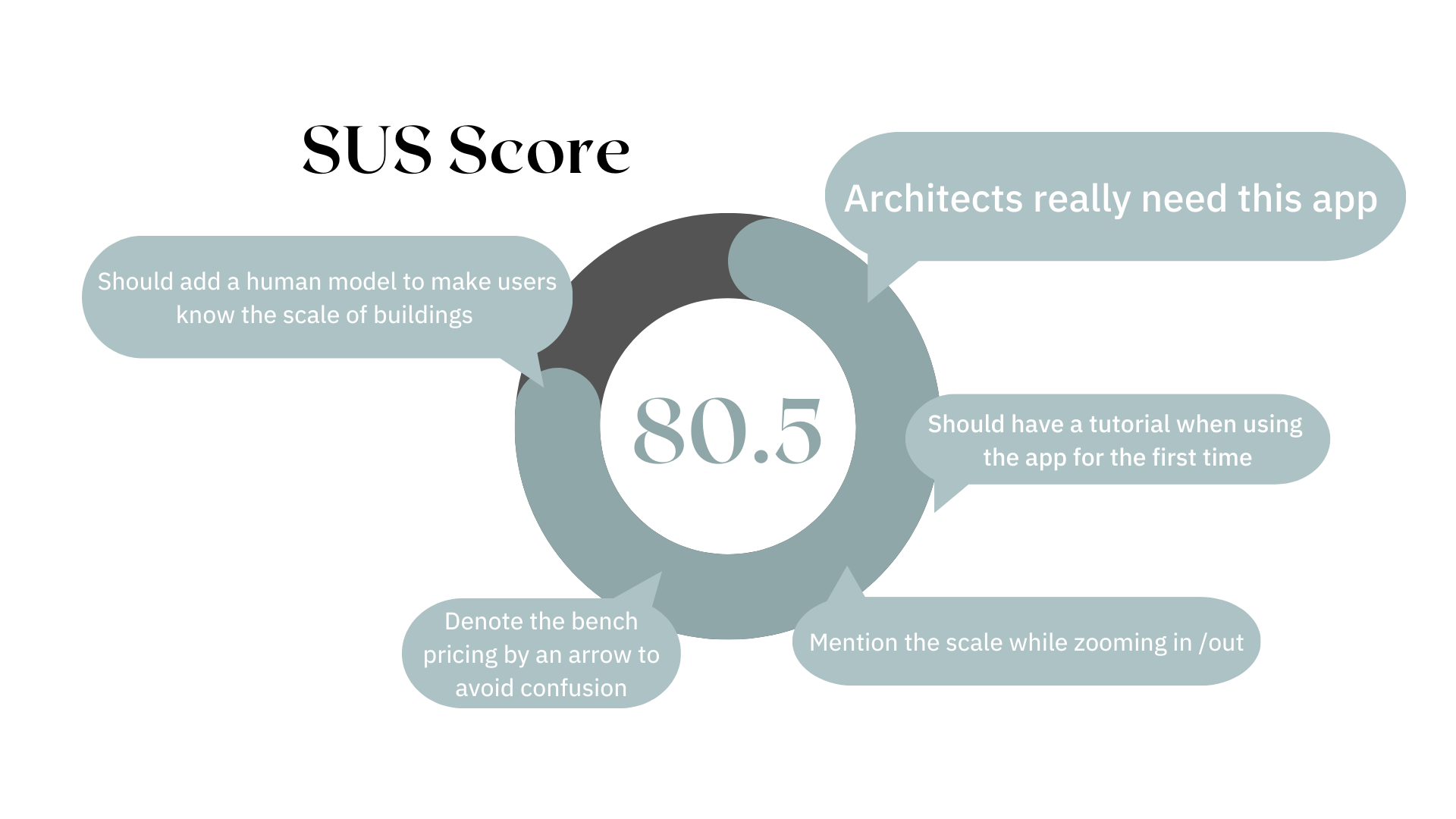
  • A usability test with 5 users who had a background in architecture was conducted. This test was conducted to gather feedback and insights on the user experience of our new AR technology application, which will be used in the field of architecture.
  • The participants ranged in age from 20 to 30 years.  
  • They also had at least 2-3 years of experience working in architecture, making them well-suited to provide meaningful feedback.  Furthermore, they also had some familiarity with AR technology.
Future Updates
  • In AR, the price breakdown for the entire building could be displayed. Prices for windows, doors, or materials, for example, could be displayed.
  • The scaling could be mentioned, and the user could choose the scale based on their needs.
  • An onboarding process could be designed so that when a user opens the application, they can get a tour of how it works.